Looking for a tool that:
- Saves the time and cost you spend while making contact with customers.
- Allows you send mass sms to your friends, employee, colleagues etc residing globally.
- Gives you the flexibility to send bulk sms in a short time span.
- Helps you to promote your business in most convenient and cost-effective way.
Here is the solution…
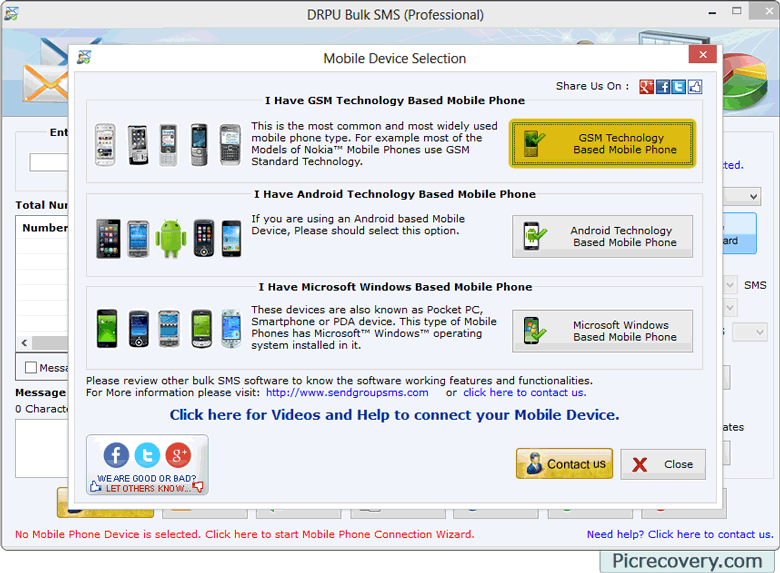
Bulk sms software Professional is simple to use Desktop program to send group text messages from PC to end users mobile phones via using USB modems, Android, GSM or Windows based mobile phones. Utility provides cost-effective and easy way to broadcast any volume of text messages to individual, selected or masses without using any internet connection. Software helps to instantly communicate with your family, friends, clients or business partners located globally.
Most effective marketing in a cost-effective way...
Mobile messaging software facilitates to promote business products among global mobile phone users. Utility helps you to easily reach your target audience by sending sms related to Product Launch and Discounts, Event Reminders, Seasonal Greetings, Special Offers, Polls, Political Campaigns and more. Software saves a lot of time and money while providing excellent customer service and helps in establishing reliable communication with clients.
Benefits of Bulk SMS Software - Professional:
- Send mass sms from PC to end users mobile phones in minimal time.
- Download and install SMS application in just simple mouse clicks.
- Broadcast sms to all mobile network coverage.
- Send group sms to individuals or group of mobile phones users at same time.
- No hidden cost like monthly fees or setup charges while working with the software.
- More comfortable to type sms using keyboard as compare to small mobile keypads.
Excellent Features of Bulk SMS Software - Professional:
- Broadcast text messages to any language (Unicode supported).
- Capable to send Notification sms as well as Standard sms.
- Easy to use mobile installation wizard.
- Import phone number list from Text file/Excel file format saved in PC.
- Send messages using Delayed Delivery Options to reduce the sms broadcasting load.
- Advance option to skip duplicate number entries.
- Save delivered sms details at specified location on the system.
- No technical skills required to work with the software.
|